Ask your documents
Import PDF, TXT, Markdown, RTF, JSON or CSV. NoCloud AI processes the selected document locally.
 NoCloud AIPrivate AI for Mac
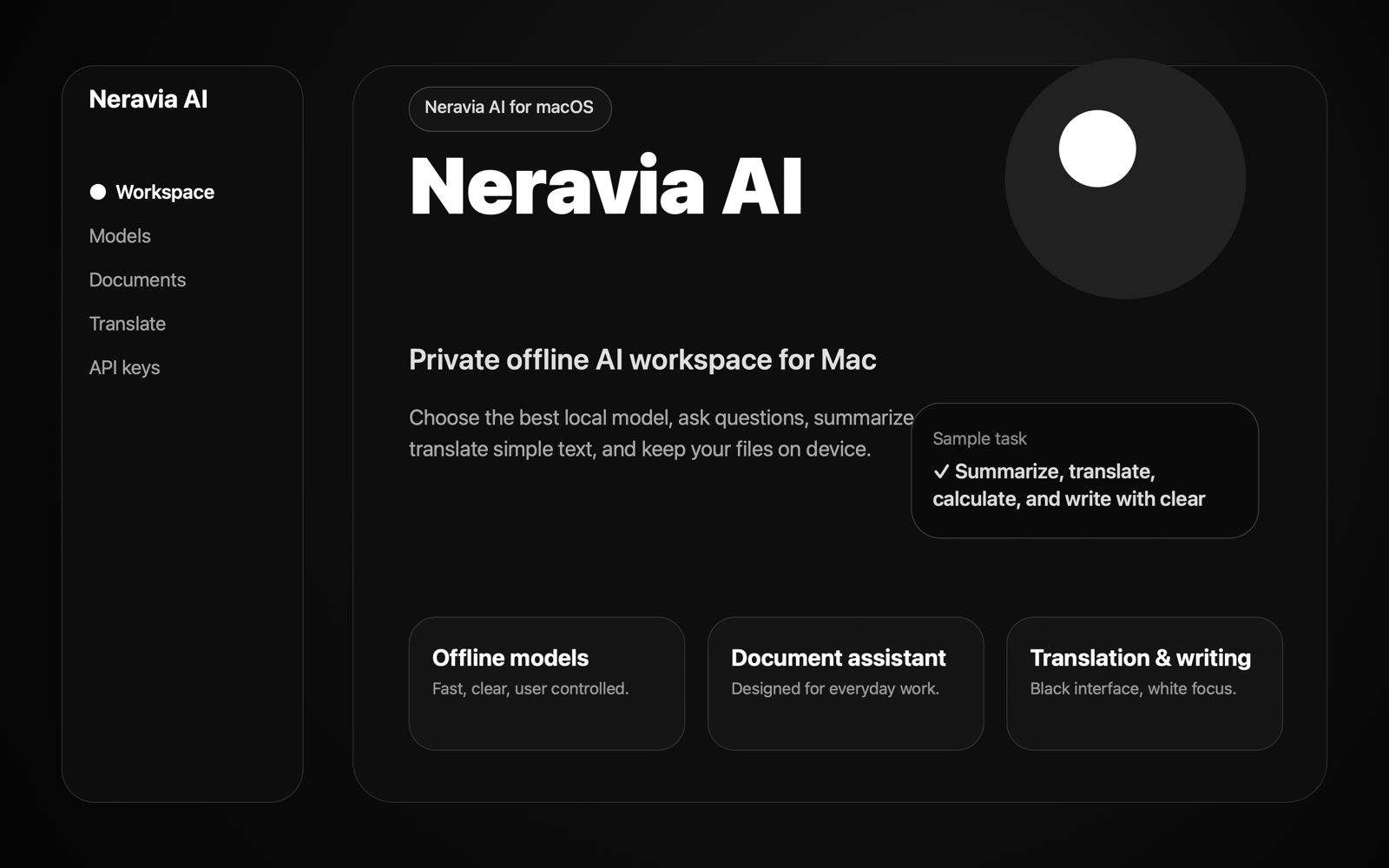
PRIVATE · OFFLINE-FIRST · NATIVE FOR MAC
Ask focused questions, translate, summarize, extract facts and write drafts in a calm workspace designed to keep imported files on your device.
No account · No document uploads · Optional local model
WORK WITH INFORMATION, NOT TABS
NoCloud AI brings tasks usually scattered across several tools into one restrained native interface.
Import PDF, TXT, Markdown, RTF, JSON or CSV. NoCloud AI processes the selected document locally.
Turn long material into a concise brief, translate selected text and extract useful facts without creating an account.
Draft, reshape and organize text in a quiet black-and-white workspace built for concentration.
A CLEAR THREE-STEP FLOW
LOCAL BY DESIGN
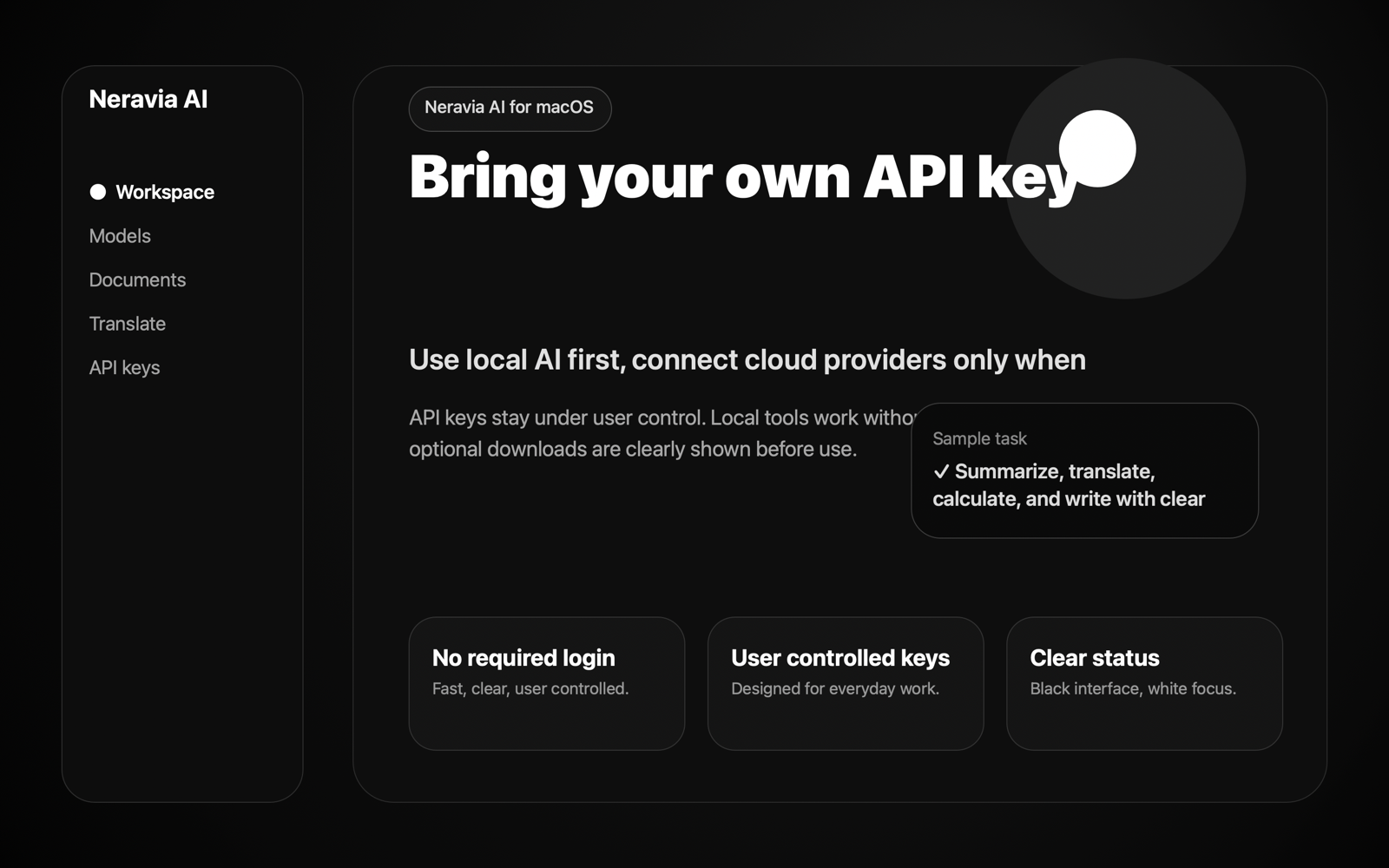
Imported documents remain on the device. The core experience does not require a NoCloud AI account or a document-processing server.
CHOOSE THE RIGHT LOCAL MODEL
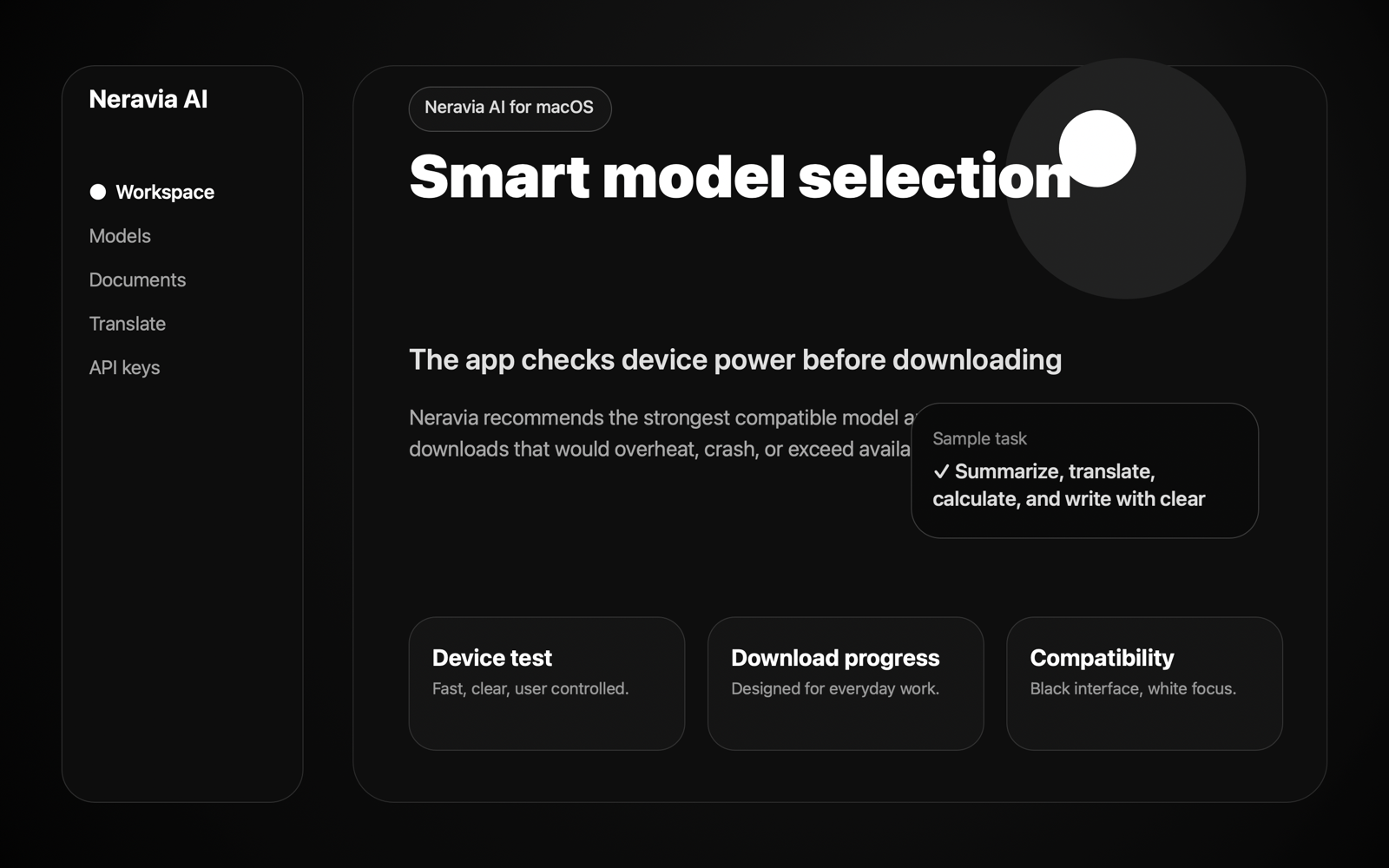
Start with the compact 280 MB model for a quick test, or choose a larger model when your Mac has enough memory and storage. Every download is explicit and its requirements are shown first.
Performance varies by Mac, available memory and model size. You can switch models whenever your needs change.
FROM THE NERAVIA JOURNAL
A practical look at privacy, device limits and the value of source-aware document work without turning your computer into a black box.
Read the articleCOMING TO THE APP STORE
Start with the compact local model and move up only when you need more capability.